Digital Photo Guide
Photo Requirements
An unacceptable photo is the number one reason applications are put on hold. Review these guidelines and examples before you upload your digital photo.
The photo must meet certain criteria
Complete photo requirements: before you start, official criteria and file specifications
- High quality image. The file size is between 54 KB and 10 MB.
- Recent, taken in the last 6 months to reflect current appearance
- Head must face the camera directly with full face in view, without tilting your head.
- Head must be between 1 - 1 3/8 inches (25 - 35 mm) from the bottom of the chin to the top of the head.
- Stand several feet away from the camera with your head centered and fully visible.
- Remove anything covering your face, including eyeglasses, unless for documented religious or medical reasons.
- Use a plain white or off-white background free of shadows, textures or objects.
- Submit the original, unedited photo without filters or digital changes.
- Eyeglasses will no longer be allowed. Keep both eyes open and visible, and avoid showing your teeth.
- Size of photo: 2 x 2 inches (51 x 51 mm) (600 x 600 pixels). The photo must be a JPG, JPEG file.
- Taken with a neutral facial expression or a natural smile, with both eyes open
- Taken in clothing normally worn on a daily basis
- No hats or head coverings (Unless worn daily for religious or medical purposes. Submit a signed statement that verifies that the hat or head covering is part of recognized, traditional religious attire that is customarily or required to be worn continuously in public or a signed doctor's statement verifying the item is used daily for medical purposes. Your full face must be visible, and your hat or head covering cannot obscure your hairline or cast shadows on your face.)
- No headphones or wireless hands-free devices.
- The bottom of the photo is the edge of your shoulders, near where they connect to your arms.
- Do not photograph or scan a printed photo to create a digital file.
Detailed photo requirements
Seven criteria your photo must meet
Background
Use a plain white or off-white background with no shadows, texture, lines or objects. Stand several feet away from the wall, or cover a colored wall with a white sheet.
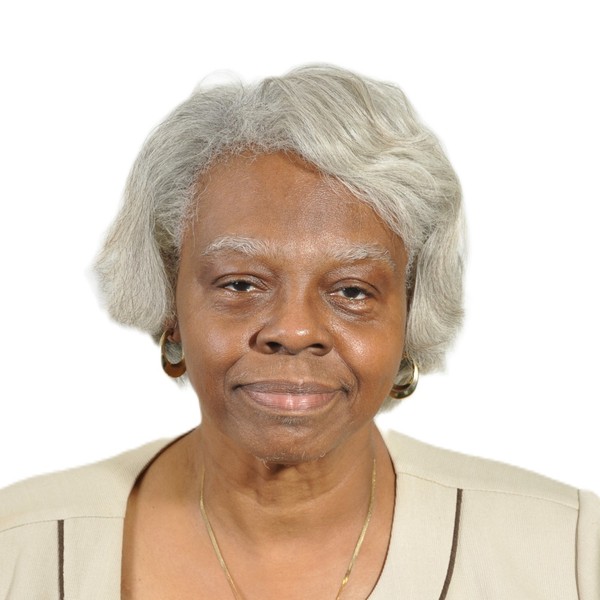
Plain white background with no shadows, texture or lines.
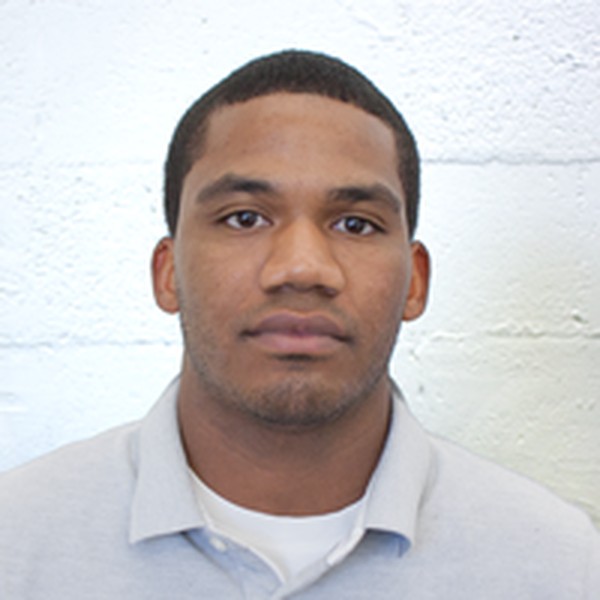
The background is not plain: it has texture and lines.

The background is not white or off-white.
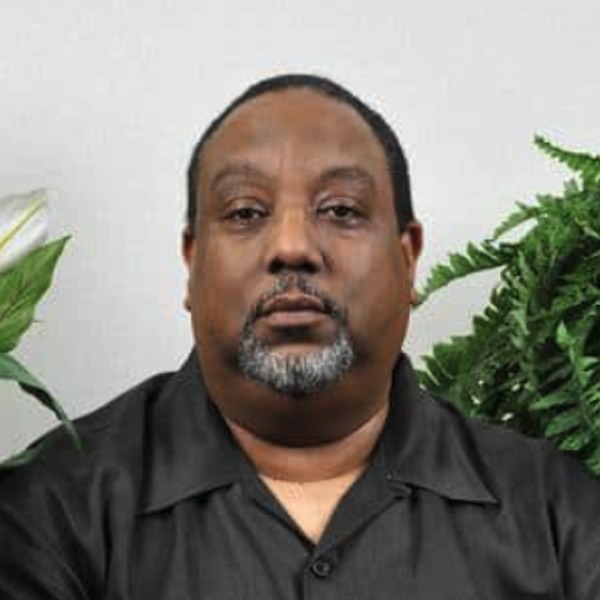
The background is not plain: plants and objects are visible.
- A plain, white background with no shadows, texture or lines.
- The background has texture, bricks or visible lines.
- There are objects, furniture or posters behind you.
Photo tip: Use a white or off-white background with no texture or lines.
Resolution and quality
Your photo must be sharp and in focus. It must not be grainy, pixelated or show printer dots. Save the file at the highest quality setting available on your camera.
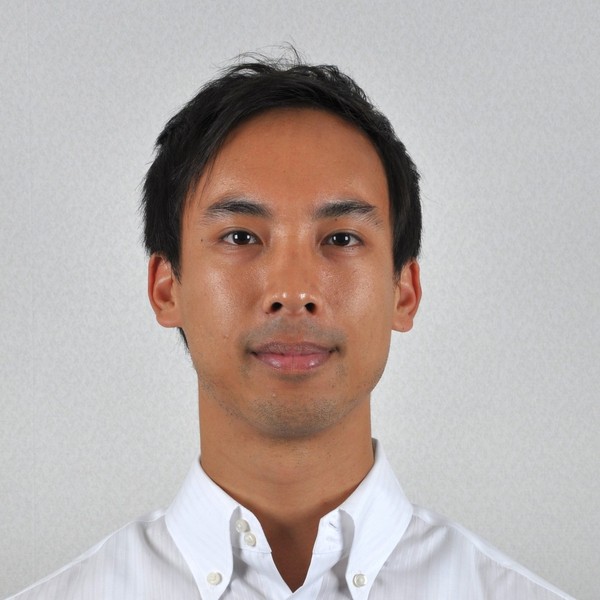
Clear, sharp, high-quality original image.
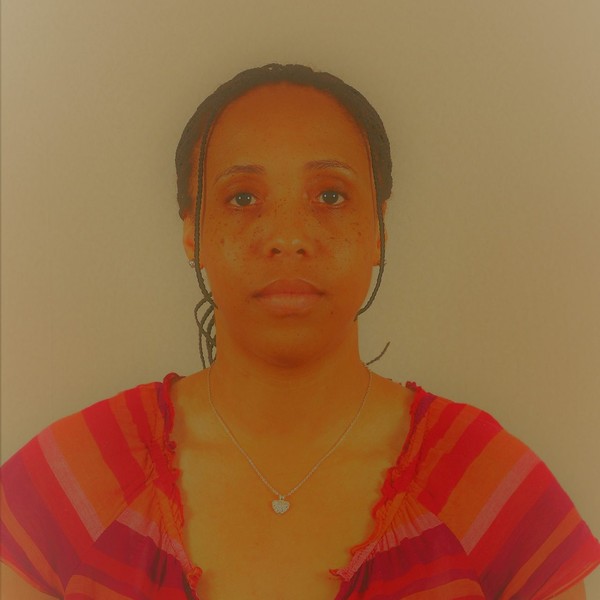
Low-quality, discoloured scanned copy instead of a digital original.
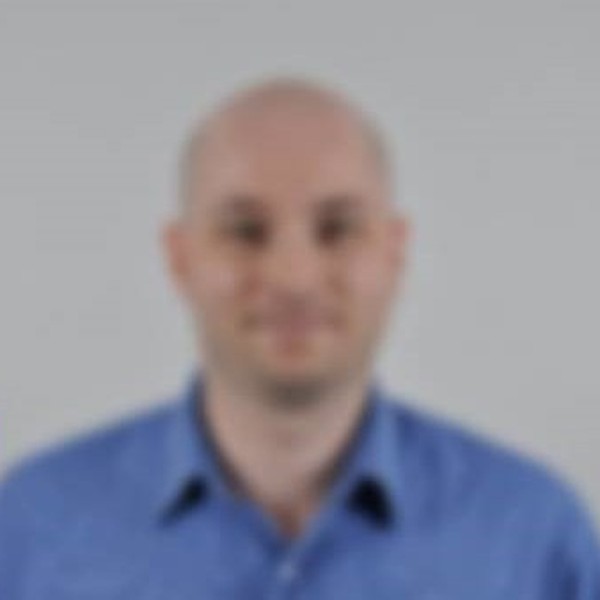
The image is blurry and the face is not clearly visible.
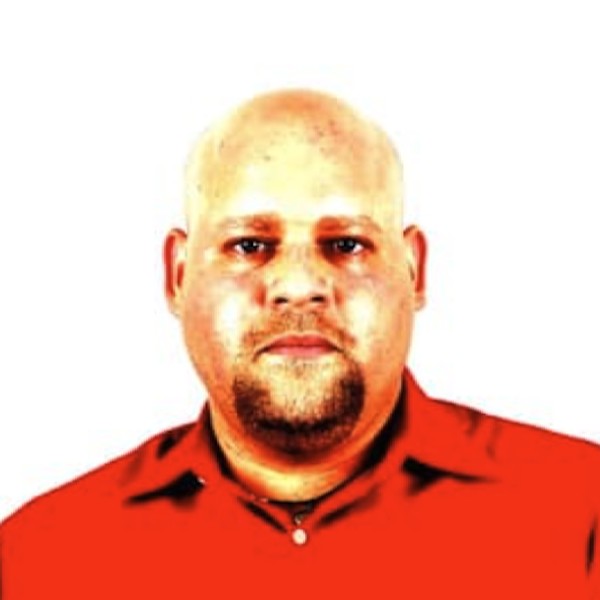
Inaccurate color.
- A clear, high-quality original digital image.
- A low-quality scan of a printed photo.
- A blurry image where your face is not clearly visible.
Photo tip: Do not send the photo by text message — it lowers the quality.
Size and position
Center your head and shoulders in the frame, facing the camera directly. If you are unsure, leave a little extra room around your face — you can crop later.
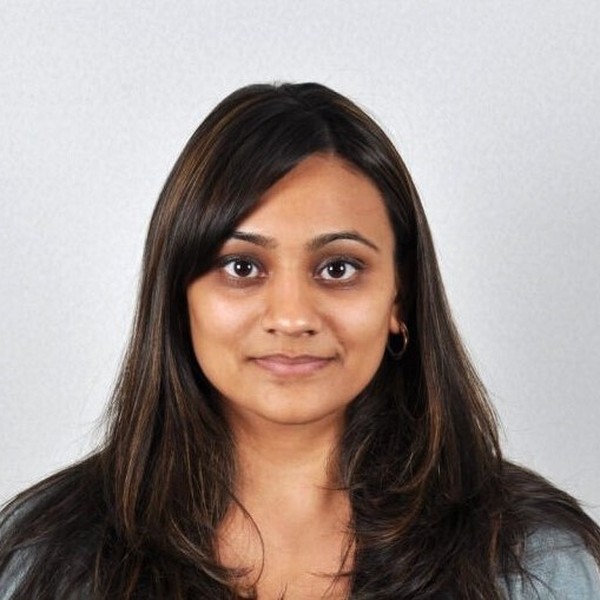
Head centred and correctly sized, facing the camera.

You are looking down instead of at the camera.
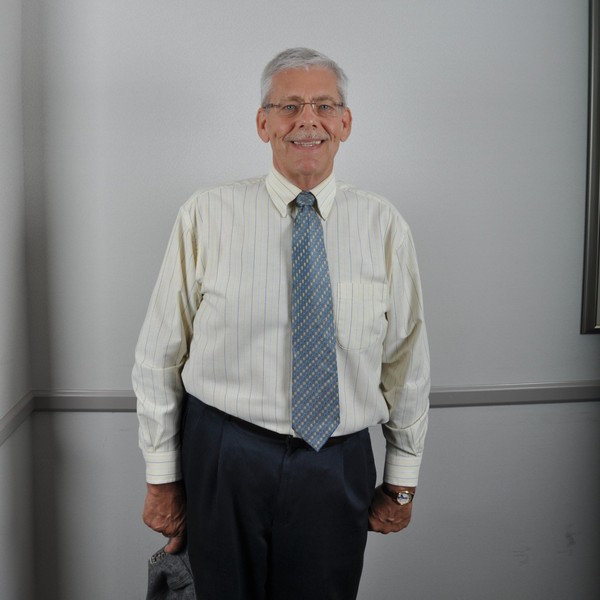
You are standing too far away from the camera.
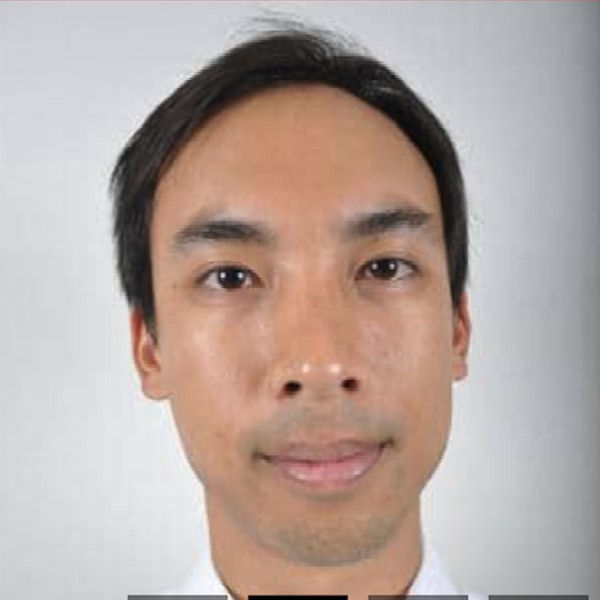
Subject too close to camera.
- You face the camera, your head is centered, and the photo ends at the edge of your shoulders.
- You are looking down at the camera or your head is tilted.
- You are too far away or too close to the camera.
Photo tip: Stand several feet away from the camera.
Shadows and lighting
There must be no shadows on your face or in the background, and the photo must not be too bright or washed out. Lighting on your face should be even.
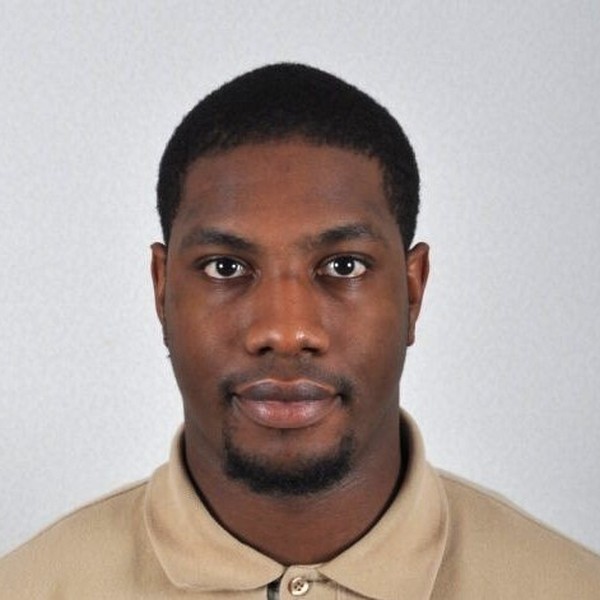
Even lighting with no shadows on the face or background.
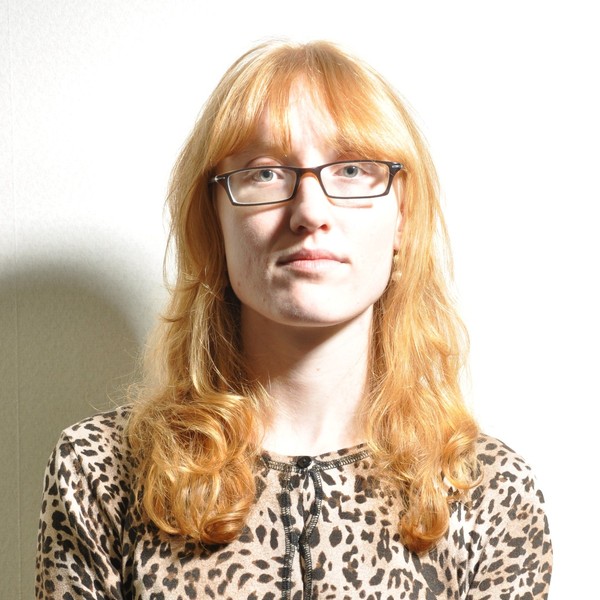
Unbalanced lighting, and eyeglasses are being worn.
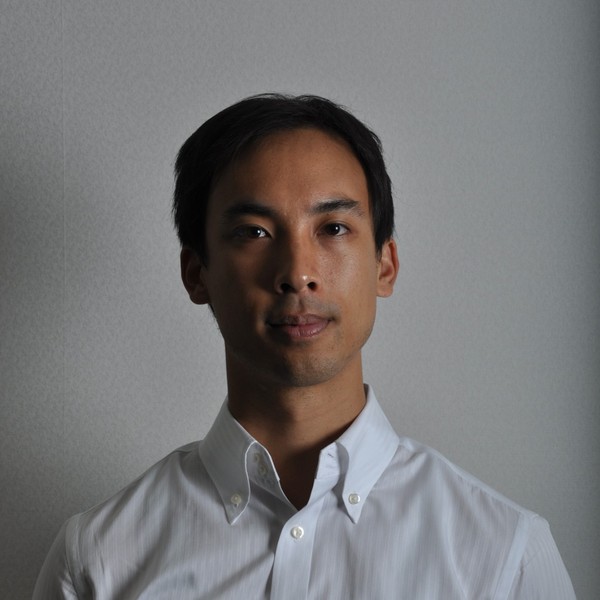
A harsh shadow falls across the face and the wall.
- Even lighting with no shadows on your face or the background.
- One side of your face is lit and the other is in shadow.
- The photo is overexposed, washed out or too dark.
Photo tip: Take the photo in a well-lit area with natural light.
Pose and expression
Use a neutral facial expression or a natural smile without showing your teeth. Look straight at the camera with your eyes open and not covered by your hair.
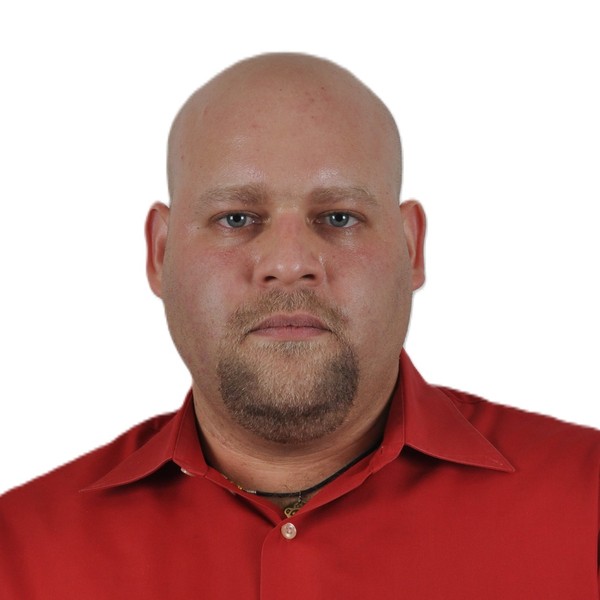
Neutral expression, both eyes open, facing the camera.
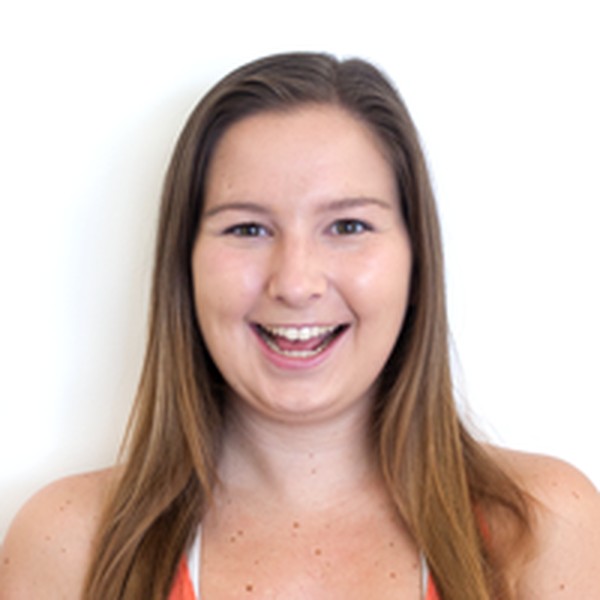
The expression is not neutral: teeth are showing.
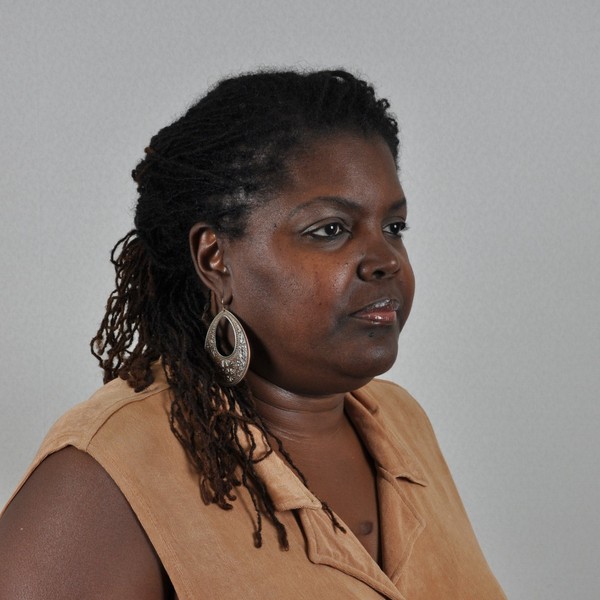
The head is turned away from the camera.
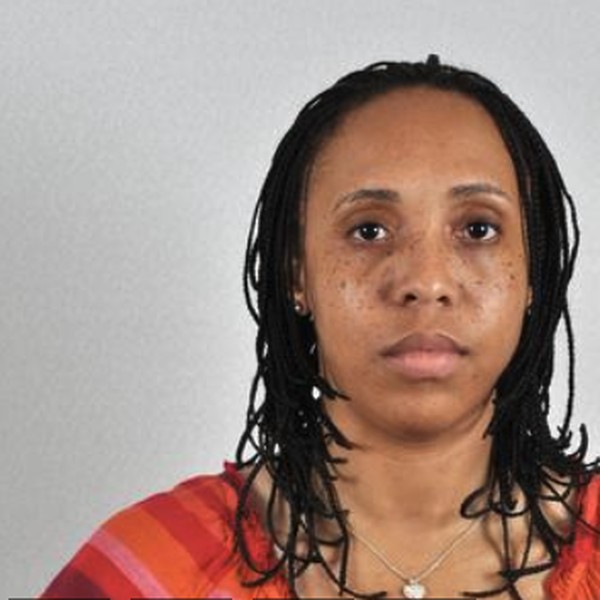
Head off centered.
- You face the camera with a neutral expression and both eyes open.
- Your expression is not neutral, or your teeth are showing.
- You are not facing the camera, or your eyes are partly closed or covered.
Photo tip: Make sure your full face is visible when someone takes your photo.
Digital changes
Photos that are unnaturally edited, filtered or generated with artificial intelligence are refused. If your eyes appear red, do not retouch the photo — take a new one with natural lighting.
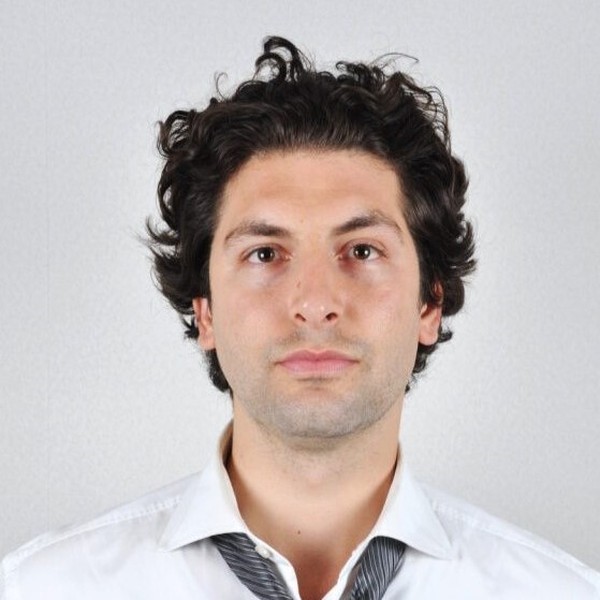
Original, unedited photo with no filters.
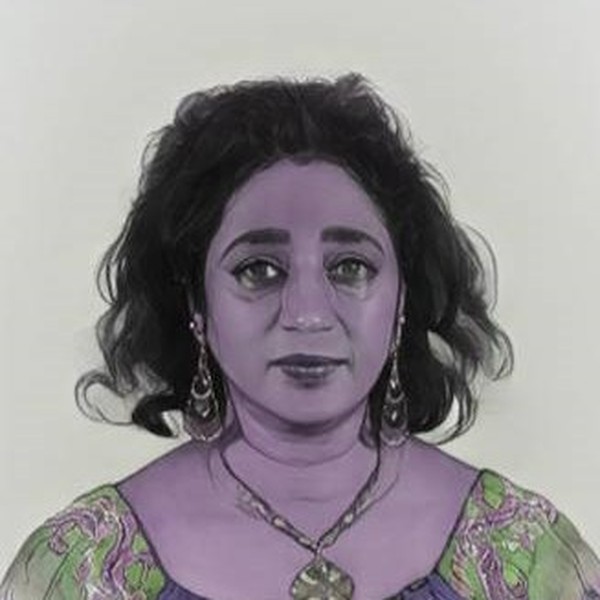
Filters and colour editing change your natural appearance.
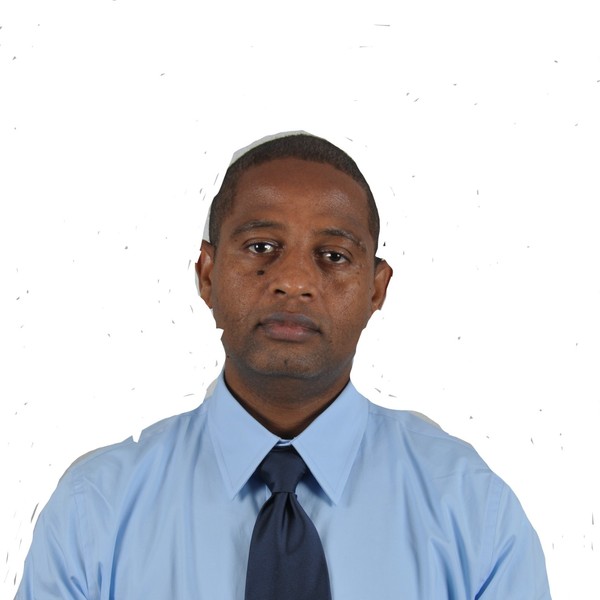
The photo was edited in graphic software: the outline is visible.
- An original digital image with no filters or edits.
- Filters, beauty modes or retouching change how you look.
- The background or the outline of your head was edited with software or AI tools.
Photo tip: All photos are checked to detect the use of artificial intelligence tools.
Clothing, hats and glasses
Remove your glasses and your hat before taking the photo. Nothing may cover or shade your face. Everyday clothing is fine — avoid uniforms.
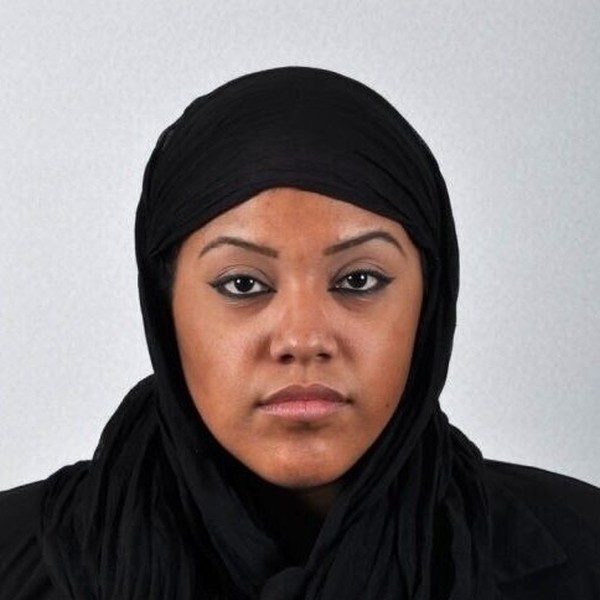
The full face is visible and nothing covers it.

Eyeglasses are being worn.
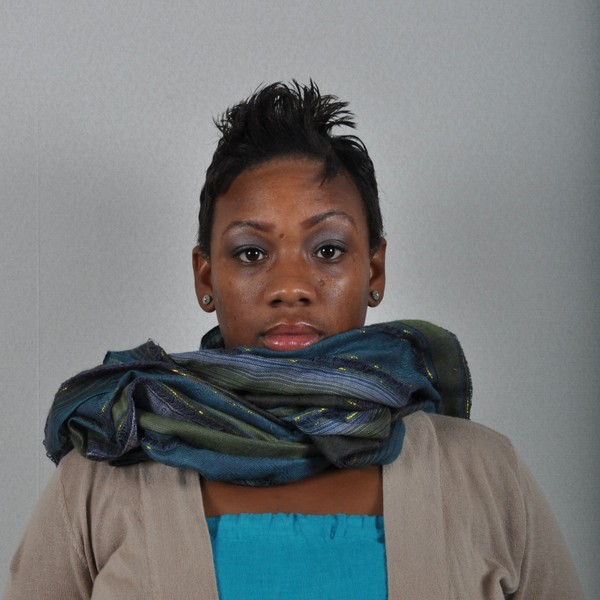
A scarf covers part of the face.
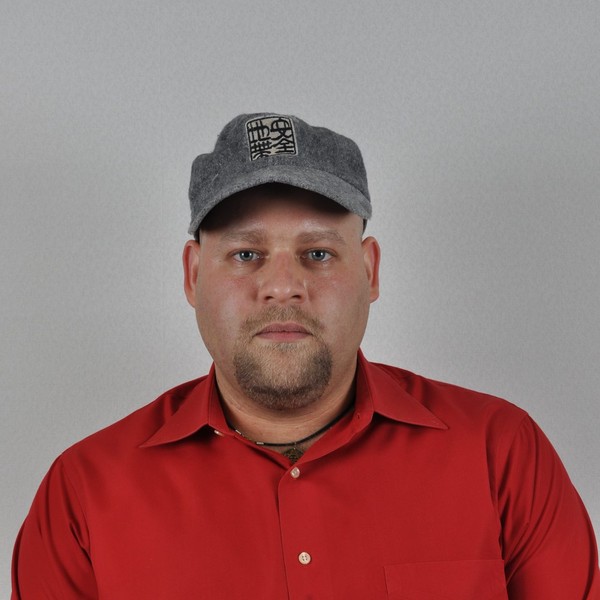
A hat is being worn.
- Your full face is visible and nothing blocks or shades it.
- You are wearing eyeglasses, a hat or a cap.
- A scarf, hair or a lanyard covers part of your face.
Photo tip: Religious head coverings are allowed if they are one plain color without patterns or holes.
Test and update your photo
For your convenience, you may test your photo using the online photo tool below. This tool is provided for testing purposes only and does not guarantee that your photo will be accepted by the U.S. Department of State. Please review the official photo requirements before submitting your application.